

A super-fast way to start an AI chat using data from multiple systems.
Ilves Enterprise Search enables quick access to organizational information and knowledge from many information sources. The AI Add-on offers a unique and super-fast way to start AI analysis on the search results from many systems.
This is how it works
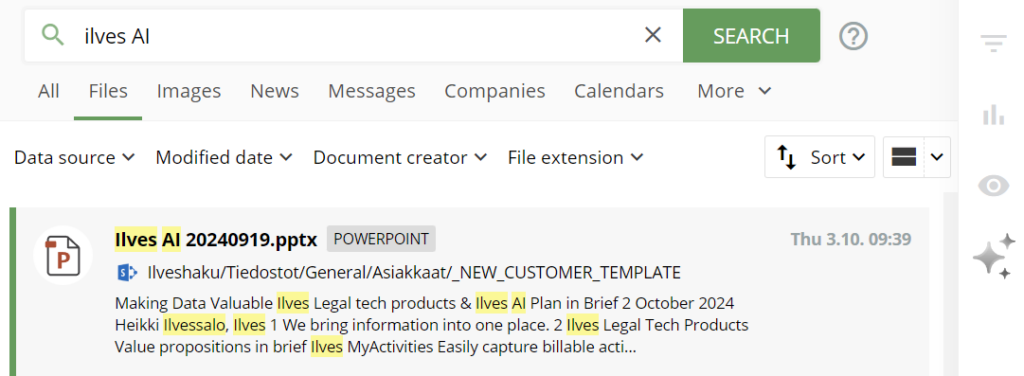
Select search result
Select a search result to be added into AI analysis
Open AI Tab
Click AI icon (three stars) on the right to start AI analysis on the AI Tab.
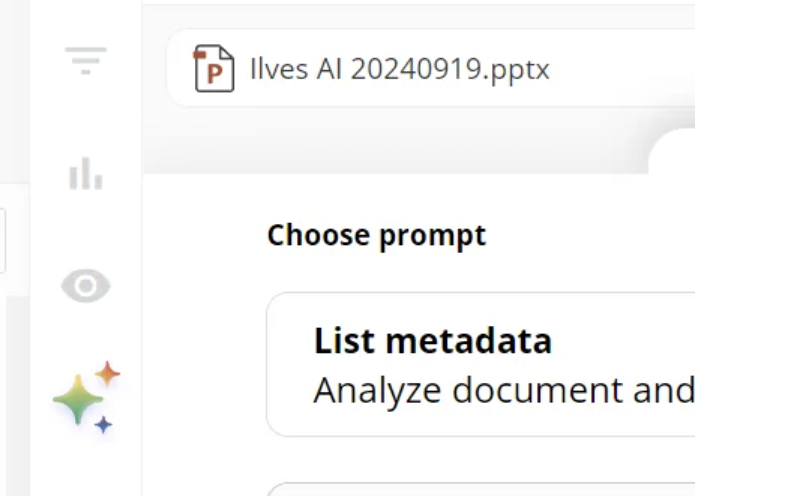
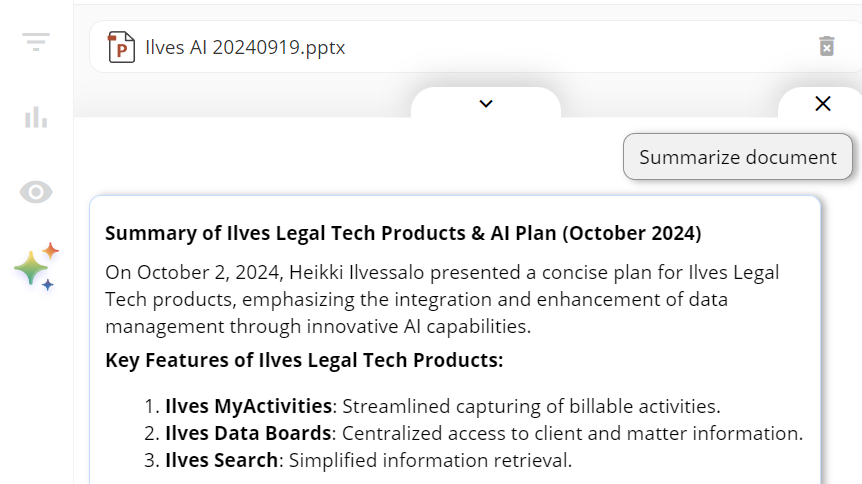
Analyse a single document
Analyse the document with AI with intelligent system prompts or write your own prompt.
FAQ
Frequently Asked Questions
Can I analyze many search results with AI?
Yes, you can easily add more search results to the AI CHAT context by clicking more search results.
