

Get an overview of a folder or matter’s status
Get a quick overview of the status of a folder or matter without opening subfolders, but by opening a folder into a new window. Ilves Search helps you to manage your projects by keeping you updated on the latest activities and giving you effective tools to preview content.
This is how it works
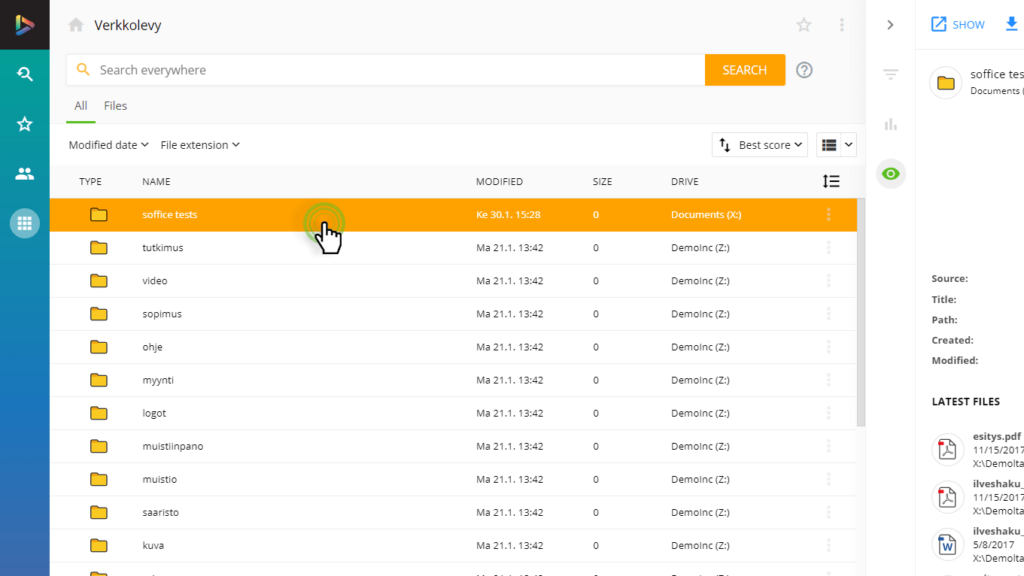
Choosing folder
Select a folder which you want to preview in a separate window.
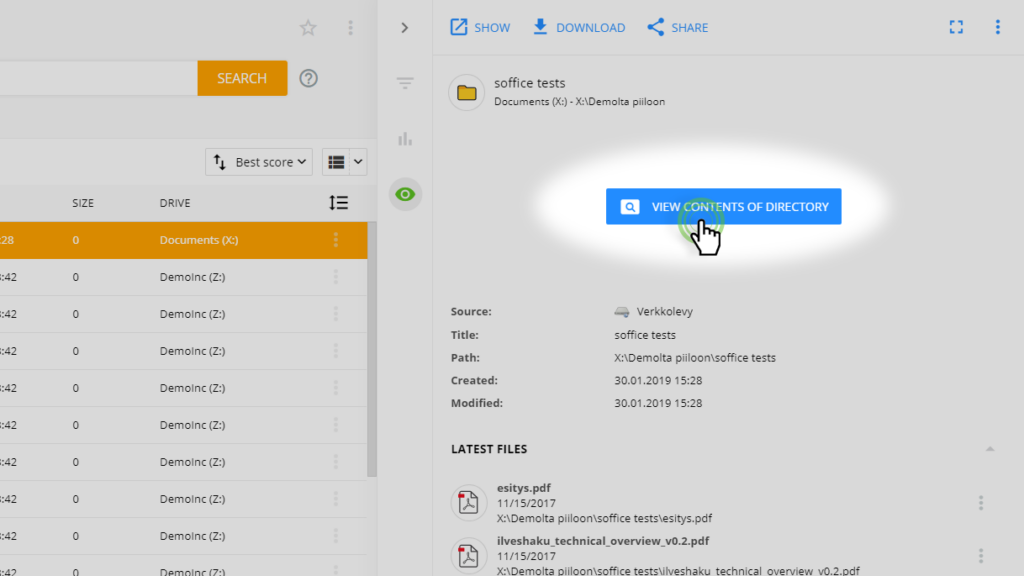
Browsing folder
Select BROWSE FOLDER.
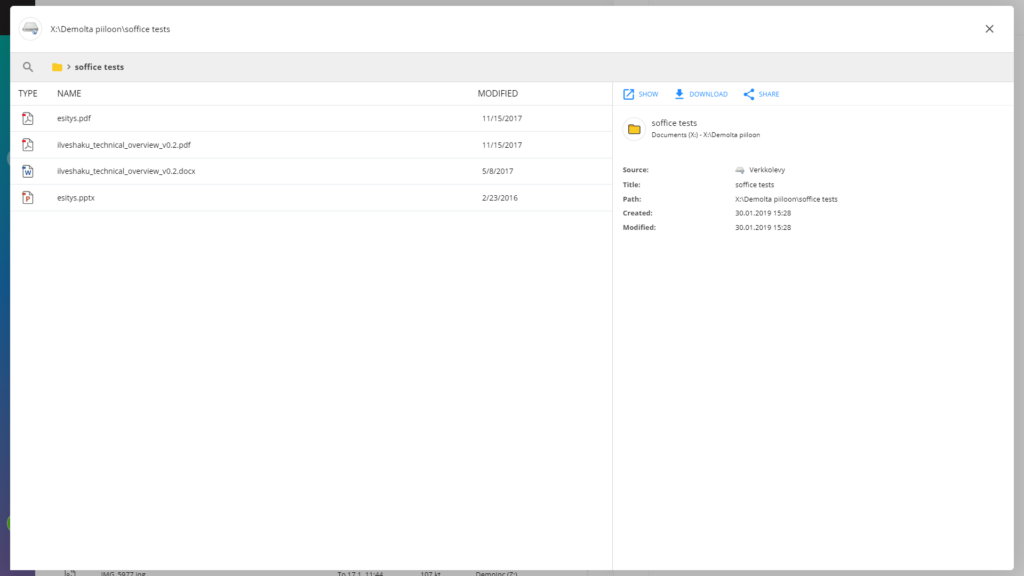
Browsing content
Browse a folder’s contents in a separate window with versatile preview functions.
FAQ
Frequently Asked Questions
Is it possible to browse the network drive folders’ content?
Yes, it’s easy to browse the content of a network drive folder from the preview or by opening a new previewing window.
