

Fast access to content and data
Ilves Enterprise search enables quick access to information and knowledge from your information sources. Easily see and access the search results through the preview. The smart text recognition plugin makes it possible to e.g. copy text from scanned PDF documents to your clipboard, to be pasted into a new document.
This is how it works
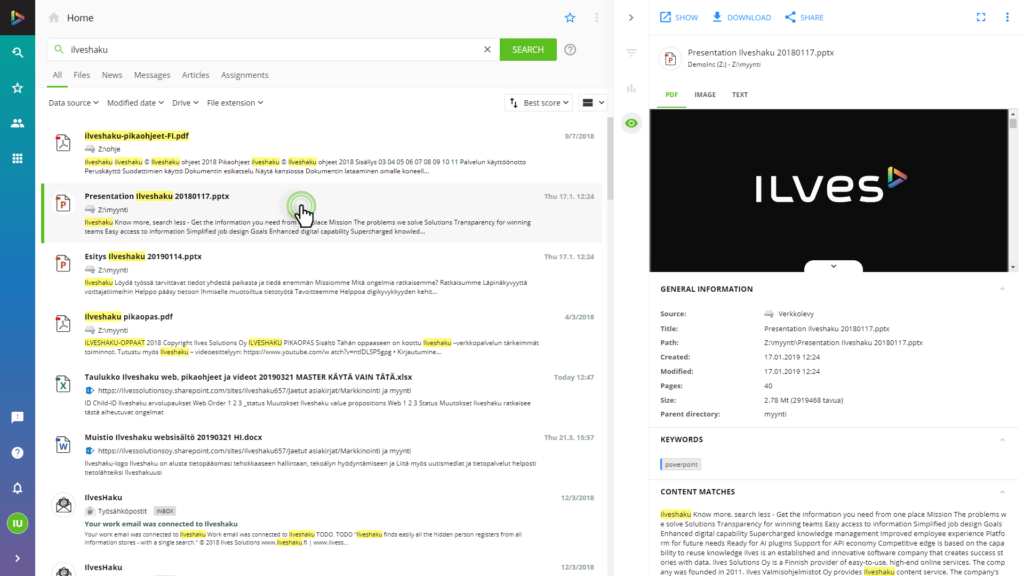
Opening preview
Select a document from the search results. The document is shown in the preview on the right.
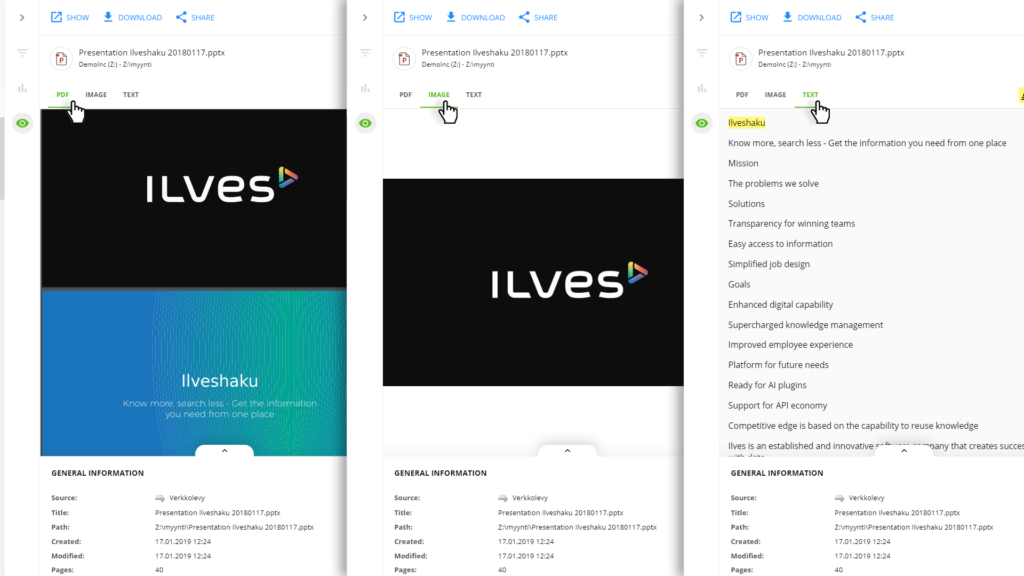
Previewing options
Select a preview option: PDF, IMAGE, TEXT or view metadata
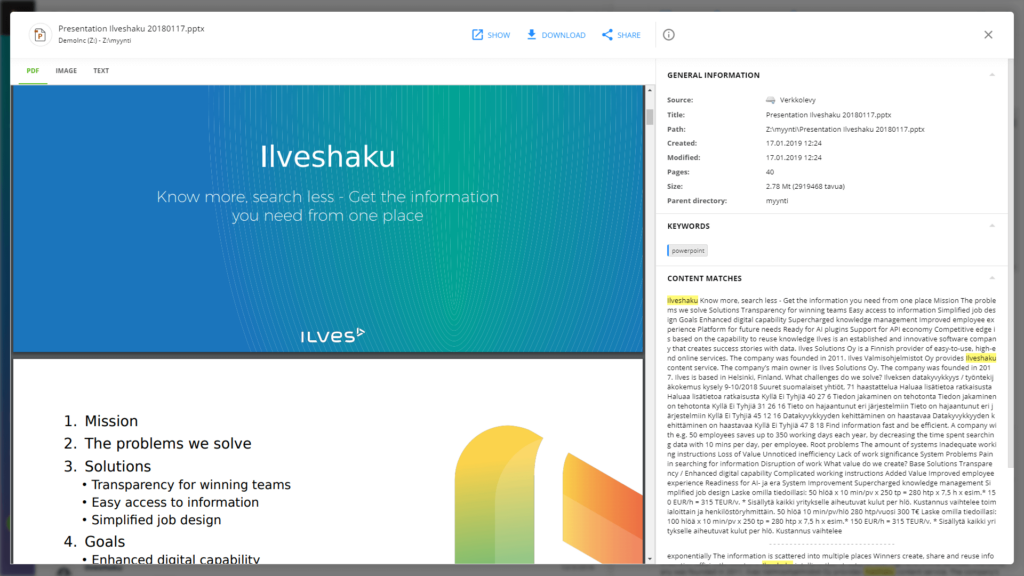
Preview window
Open a document to a full screen preview window.
FAQ
Frequently Asked Questions
Can I see all the content in a uniform normalized form?
Yes, Ilveshaku normalizes the structured and unstructured data and information extracted from many data sources and displays it in a uniform easy to read format.
